
Building a Greenhouse Monitor with the Govee H5075
The Govee H5075 is a BLE (Bluetooth Low Energy) puck that measures temperature and humidity where it hangs. It uses the ESP32 as a gateway to send measurements to an endpoint for use.
1 · The parts
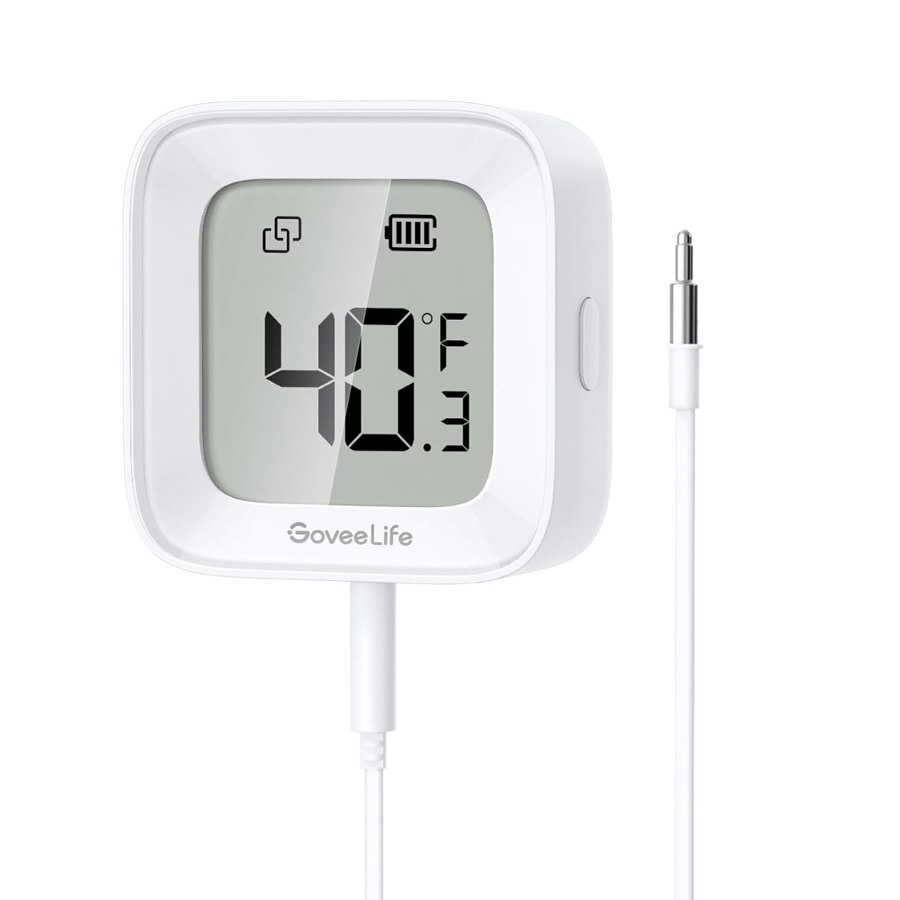
1 × Govee Bluetooth thermometer
Hangs at canopy height in the zone you care about and broadcasts temperature and humidity every few seconds. Add a puck per zone; they all share the one board.
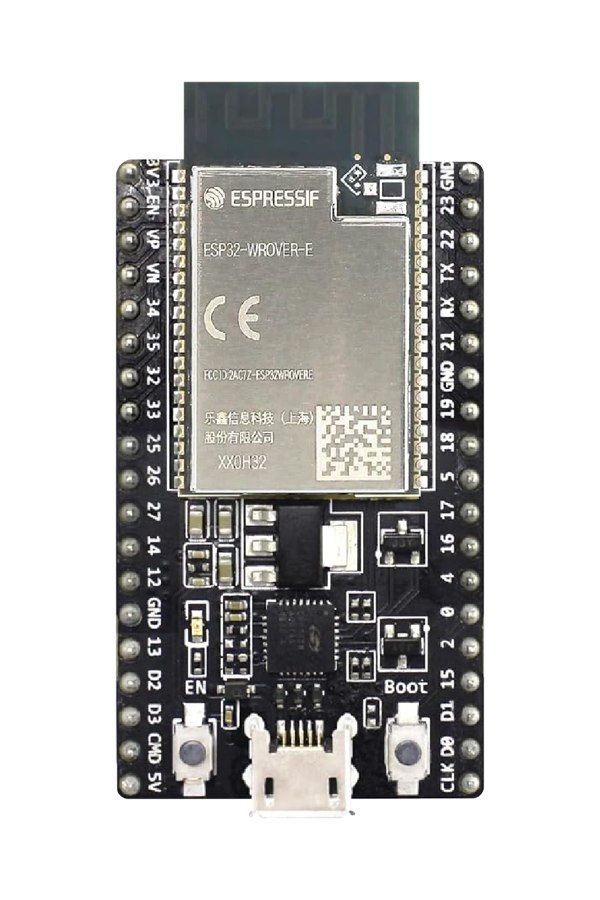
1 × An ESP32 board
Runs the BLE Sensor Listener. Hears every puck in Bluetooth range and pushes each labeled reading to the endpoint you own.
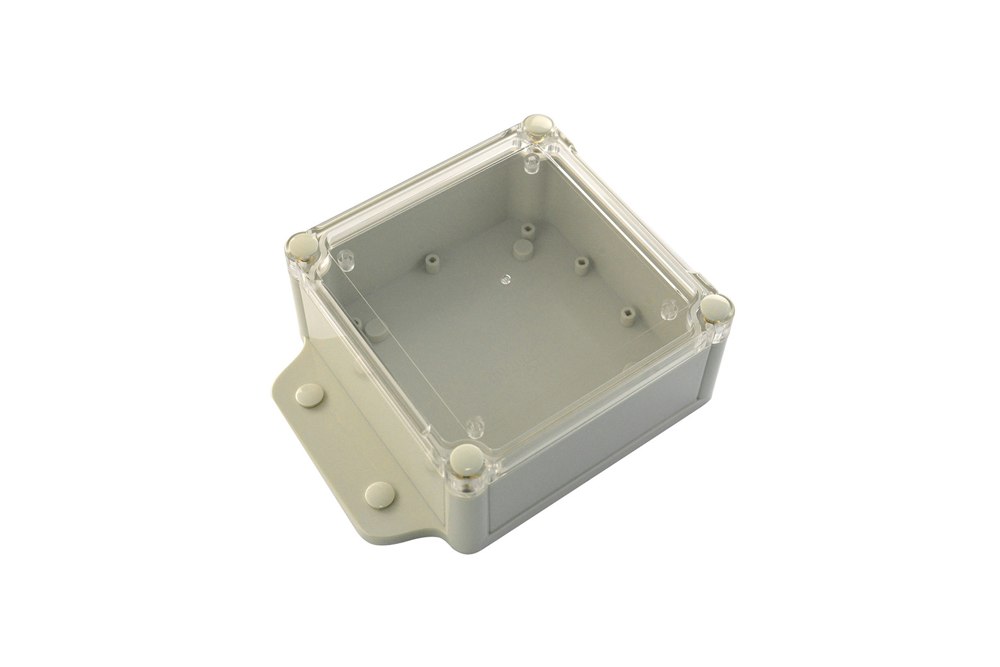
1 × IP65 sealed project box
Keeps the board dry if it lives in the damp of the greenhouse itself.
2 · Load the program
“Flashing” means loading the program onto the board, the way you would install an app on a phone. Do it first, at the bench: plug the board in over USB and press the install button for your board on the program’s own page. The board does not need its sensor connected to take the program; the program waits.
3 · Wire and place it
Hang the puck at canopy height in the zone you care about, out of direct sun and away from walls: a sensor on a wall reads the wall, one in the sun reads the sun. Keep it clear of drip lines and spray. Watching more than one zone is one puck per zone; they all share the same board.
Set the board anywhere within Bluetooth range on USB power. A dry spot nearby (a headhouse, a shed, the house) needs no enclosure; if the board lives in the greenhouse itself, it goes in the sealed box. No wiring between sensor and board: the puck broadcasts, the board listens.
4 · Choose where readings go
During setup the board asks for one address: where every reading should land. That is your webhook or MQTT broker. If you do not have one yet, use the Test Bench. Enter it in the program’s Set It Up section along with your Wi-Fi; its Push Now check tells you readings are landing.
Supporting pages
- The Greenhouse Monitoring aisle
- ESP32 boards: the full guide
- Getting your data to an endpoint
- Vapor pressure deficit: what the two readings mean together
- Climate control in Home Assistant
- The BLE Sensor Listener: the program's complete guide
- For developers: the oat-ods data schema
- For developers: the test endpoint reference