

This is the workshop. The other parts of the site tell you what to measure and why; this is where you actually build the thing that gathers the reading and gets it to a place you own. Start from a need, not a part: the solutions shelf asks what do you want to know? and answers with working arrangements. None of it is exotic. A few dollars of parts, an afternoon, and a pattern you can repeat. And everything here watches and reports; monitoring cannot flood a room or burn out a pump, which is why this section starts there and not at control.
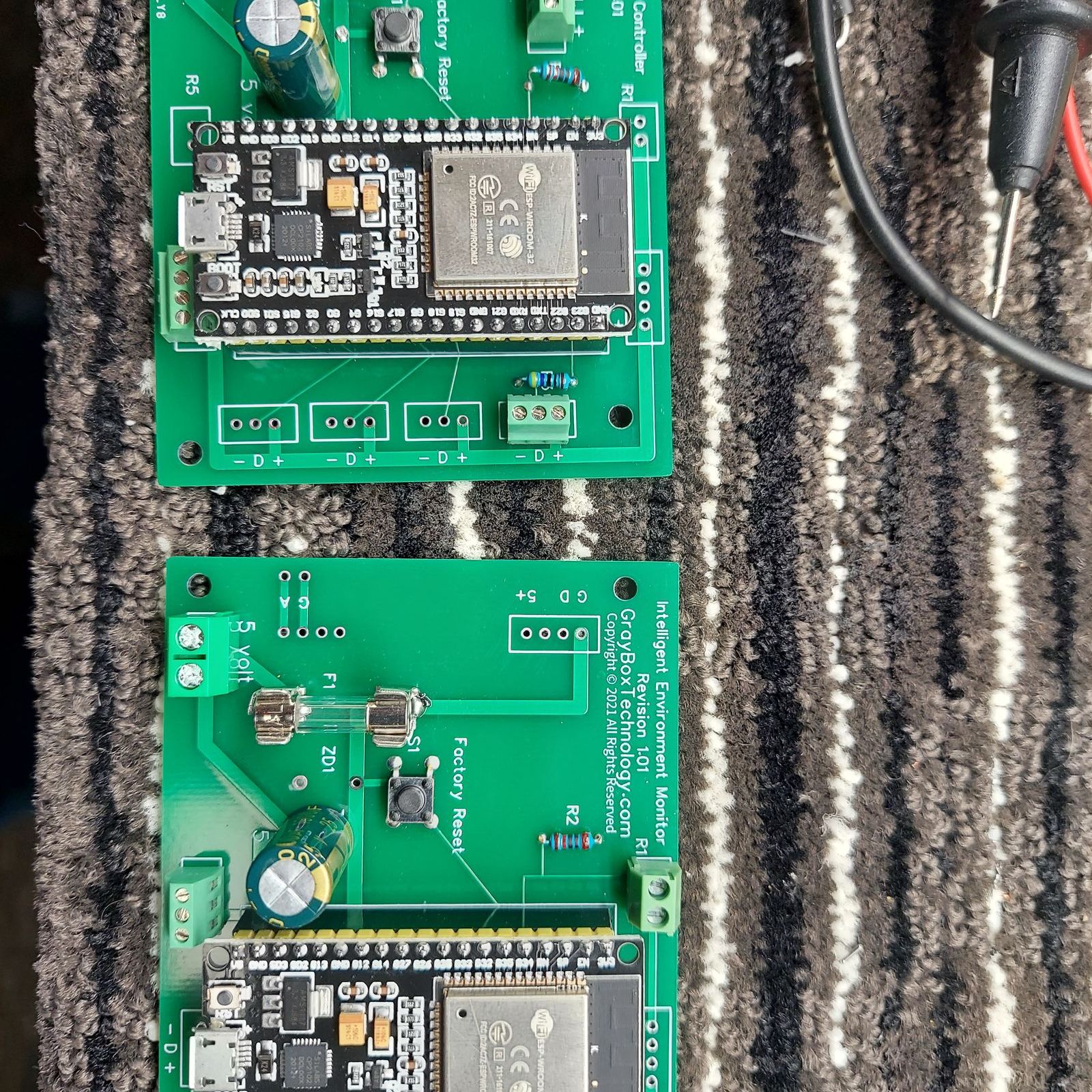
What's here.
- The solutions: start here if you have a need. Each page answers one question a grower would say out loud (is the walk-in holding, what is the greenhouse doing) with a config: building blocks plus a small board running a free sketch.
- The Sketches: the engines under the solutions. The actual code for common sensors, openly licensed, flashed from your browser. One sketch can power several solutions.
- Listeners, by band: the sensors you already own are broadcasting. Which band your country uses (Bluetooth, 433, 868, 915 or 920 MHz), which radio and antenna to buy, which listener to flash, and what has actually been heard.
- Connectivity: how a reading gets from a sensor to an endpoint that keeps it, and the honest options for doing it: a tiny chip pushing straight to the cloud, a Home Assistant hub, and more.
- Hardware: the boards, sensors, and parts a sketch runs on. Field guides to the microcontrollers (the ESP32 family and more), computers, sensors, and where to buy them.
The Collect layer.
This section is the engineering side of Collect·Have·Use, turned into things you can copy and flash. Collecting is the commodity part (cheap, capable, and getting cheaper), which is exactly why a grower can do it without a vendor. The appropriate rule applies here too: build the smallest thing that gets the reading you need to a place you own. The value is in what you do with the reading later; the job here is just to get it flowing, cheaply and reliably.
Where to start.
If you came with a need, start at the solutions: pick your question and the page hands you everything, parts to sketch. If you want to understand how a reading travels before you buy a part, read Connectivity. If you already know your path and just want the code, head to the Sketches. And if you are not sure a build is even for you, the Monitoring stack lays out the buy-versus-build choice without any wiring.