

A pH sensor reads how acidic or alkaline a solution is, and in hydroponics that one number decides whether a plant can take up its nutrients at all. It is the first probe a water grower buys. It is also the most demanding sensor here: a glass probe that must be calibrated, kept wet, and replaced when it wears out.
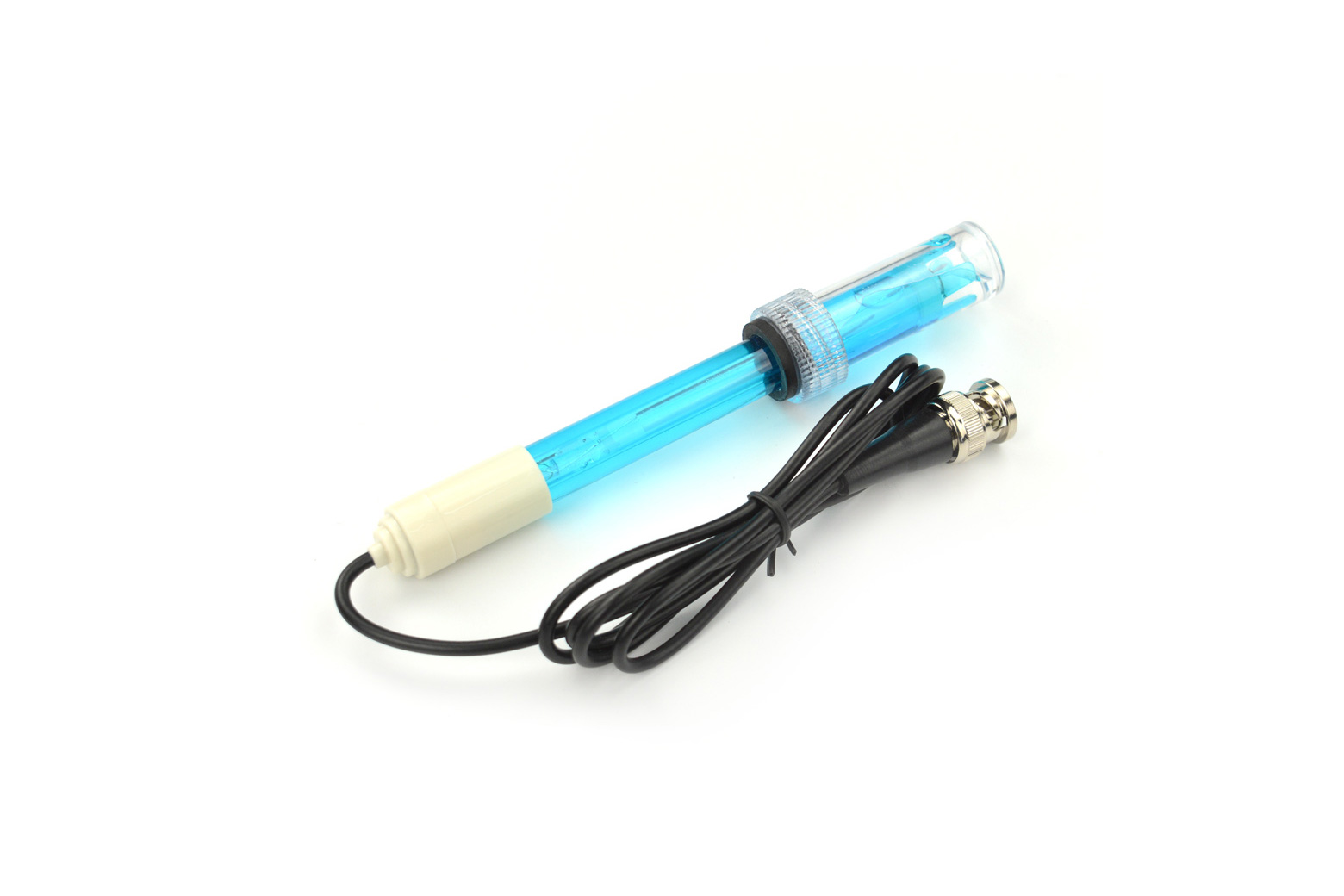
What it is.
A pH sensor is a glass probe that produces a tiny voltage depending on the acidity of the liquid it sits in, plus a small board that turns that voltage into a pH number for your microcontroller. In a nutrient solution, pH governs which nutrients are available: drift too far from the target band and the plant cannot absorb what is right there in the water. That is why even a simple hydroponic setup lives or dies by its pH reading, usually paired with an EC reading for nutrient strength.
Two grades.
There are two routes, and the difference is mostly the electronics, not the chemistry. The cheap analog route (such as a DFRobot Gravity pH board) outputs a voltage your board reads on an analog pin; it works and it is inexpensive. The embedded-grade route (Atlas Scientific’s EZO-pH circuit) handles temperature compensation and calibration in a small dedicated chip and reports a clean value over I²C or serial, which is steadier and easier to trust in a permanent build. Both use a similar glass probe; you pay more for the better electronics and support.
Calibration and care.
This is where pH sensors earn their reputation. The probe must be calibrated against buffer solutions (typically pH 4, 7, and 10) on a schedule, because it drifts as it ages and fouls in dirty water. Readings should be temperature-compensated, since pH shifts with water temperature. The probe is a consumable: it wears out and eventually needs replacing, sometimes within a year of heavy use. And it must be stored wet in storage solution, never dry, or it dies fast. Budget for buffer fluids and a spare probe from the start, and read Trust Your Gauge before you let a pH reading run a doser.
Key facts.
Where it fits, and where it doesn’t.
Where it fits
- Hydroponics and fertigation, where pH is essential.
- Logging and dialing in a nutrient recipe.
- Driving a doser, once calibrated and trusted.
- Reading with an ESP32 (analog) or ESPHome (Atlas EZO).
Where it doesn’t
- Set-and-forget use; it needs regular calibration.
- Soil growing, mostly; this is a water-system tool.
- A dry-stored probe; that ruins it.
- A doser on an uncalibrated or aging probe.
Resources & where to buy.
ESPHome: Atlas EZO Atlas Scientific pH DFRobot Gravity pH Water & chemistry overview
Frequently asked questions.
Why does pH matter in hydroponics?
pH sets which nutrients a plant can absorb. Even with the right nutrients in the water, a pH outside the target band locks some of them out, so the plant starves amid plenty. That is why pH, paired with EC for strength, is the foundation of any water-based growing.
What is the difference between a DFRobot Gravity pH sensor and an Atlas Scientific one?
Mostly the electronics. The DFRobot Gravity board is a cheap analog option your microcontroller reads on an analog pin. The Atlas Scientific EZO-pH circuit handles temperature compensation and calibration on a dedicated chip and reports over I2C or serial, which is steadier and easier in a permanent build. Both use a similar glass probe.
How often do I calibrate a pH probe?
Regularly, against buffer solutions at pH 4, 7, and 10, because the probe drifts as it ages and fouls. Many growers calibrate weekly to monthly depending on use. The probe is a consumable and eventually needs replacing, so keep buffer fluids and a spare on hand.
How do I store a pH probe?
Wet, in its storage solution, never dry. A pH glass probe left to dry out degrades quickly and may be ruined. Proper wet storage is one of the biggest factors in how long a probe lasts.
Can I read a pH sensor with ESPHome?
Yes, most directly with an Atlas Scientific EZO circuit, which ESPHome supports through its EZO component over I2C. A cheap analog board can be read through an ESP32 analog pin with calibration in your own code or config.